




Blind Tranfer must be enabled in Asterisk.
Check your extension.conf if you have placed the "tT" option in the dial command.
es. in your extension.conf the dial command should show something like this:
exten => _1.,1,Dial(SIP/${EXTEN},120,tT)
in the features.conf the blind transfer must be enabled
es.
[general]
parkext => 700 ; What ext. to dial to park
parkpos => 701-720 ; What extensions to park calls on
context => parkedcalls ; Which context parked calls are in
[featuremap]
blindxfer => # ; Blind transfer
To tranfer a call press the key # followed by the extension number (es. 105) the call will be immediatly transfered to the dialed extension.
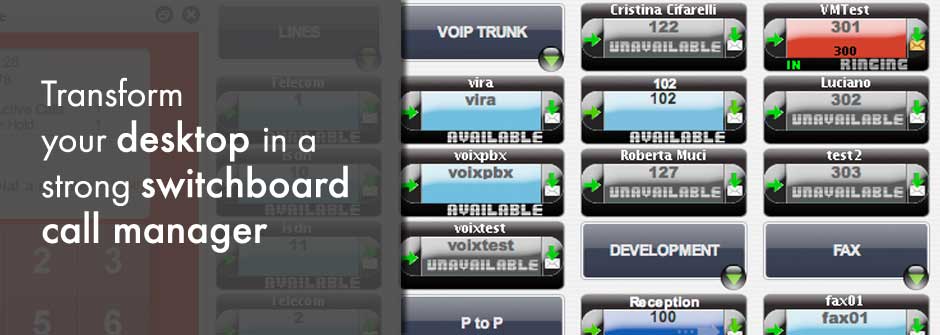
To make a blind transfer from Voix manager without dialing and pressing the # key, simple double click an available and not busy Extension, the active call will be immediately transfered.
other sources:
http://www.voip-info.org/wiki-Asterisk+config+features.conf
http://www.voip-info.org/wiki/index.php?page=PBX+CallTransfer
http://www.freepbx.org/trac/ticket/1972
http://www.asteriskguru.com/tutorials/transfer.html
http://forums.whirlpool.net.au/forum-replies-archive.cfm/625957.html
http://groups.google.com/group/utaug/msg/9765c75a471c75d5